• Home
  • Blog
  • Ask
  • About
    • Looking For Writer

SimpleiPhone

Menu

  • Apps
  • Feature
  • How To
    • Intermediate
    • Novice
  • Misc
  • News
  • Quick Tip
  • Like us on Facebook!

    Like us on Facebook!
  • Enter your email address to follow this blog and receive notifications of new posts by email.

    Join 93 other subscribers
    • Tom's avatar
    • Sam's avatar

Browsing Tags apps

How To: Turn on Auto-Update for Apps

November 3, 2017 · by Sam

AppUpdates

It is generally good to keep your iPhone apps updated–as app updates usually contain new features or bug fixes.

Apps are updated all of the time, and depending on how many apps you have downloaded on your iPhone, every day there could be a lot of apps to be updated. When you turn on automatic updates for apps, new versions of apps that you currently have on your iPhone will automatically download when updates for those apps become available.

This post will explain how to turn on auto-updates for apps–just note the tip at the end of the post about how to avoid using data from your iPhone’s cellular data plan when updating apps.

Read More →

Share this:

  • Tweet
  • Click to email a link to a friend (Opens in new window) Email
Like Loading...

How To: Use Widgets In iOS 8

October 1, 2014 · by Tom

IMG_8591
With iOS 8 comes a whole new way to use your apps. Some third party apps (apps made by people other than Apple) now work with your notifications center, which means, you can quickly access more content from a wide variety of apps just by swiping down from the top-most part of your screen.

Read More →

Share this:

  • Tweet
  • Click to email a link to a friend (Opens in new window) Email
Like Loading...

How To: Close Apps on iOS 7

January 16, 2014 · by Tom

20140109-211025.jpg

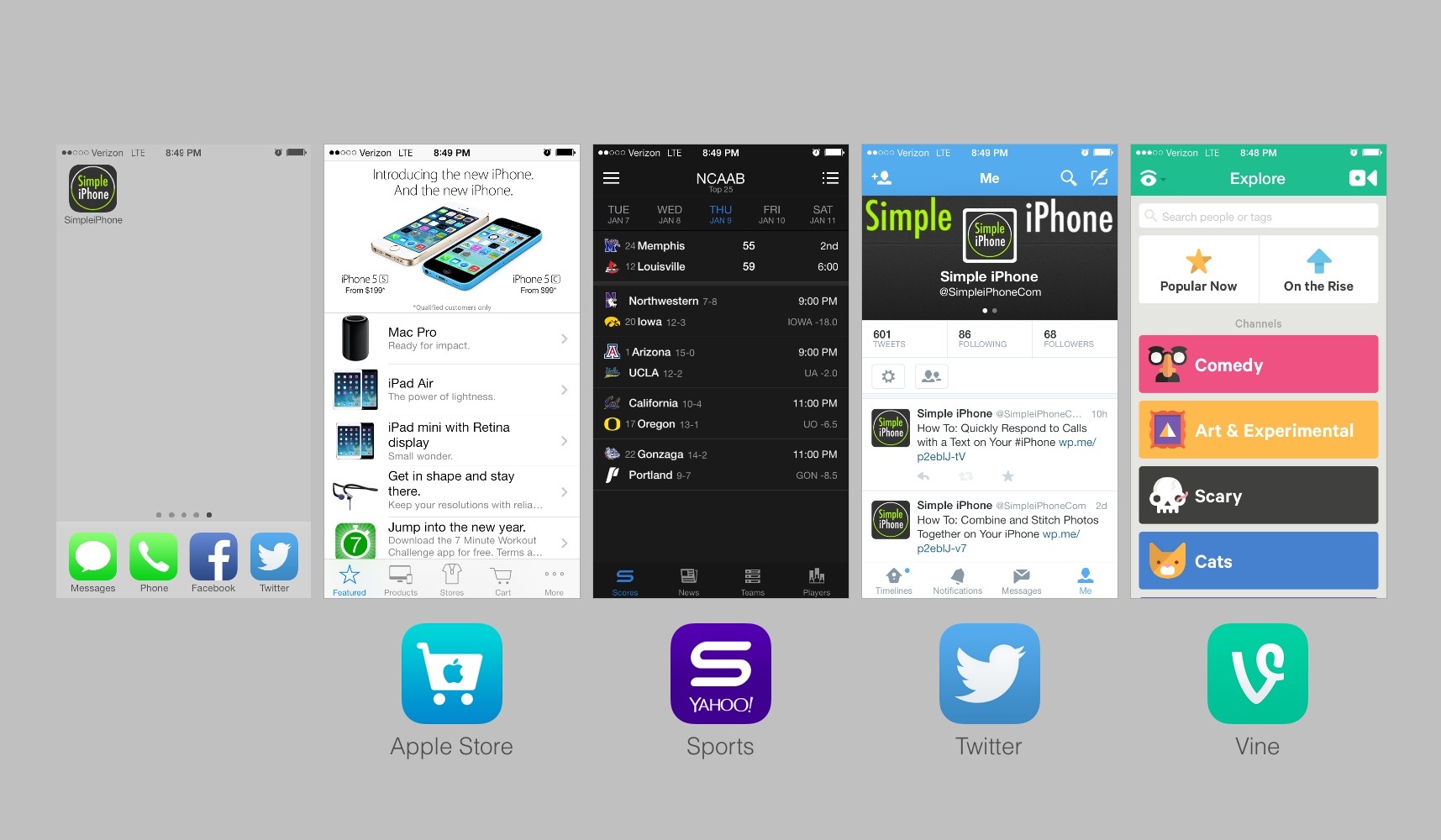
With the introduction of iOS 7 came lots of new features and changes. One change is the way in which you manually close an app.

The old way was to bring up that “quick app switching” bar at the bottom, put it in “jiggle” mode, and then carefully touch that little red circle to close the app. The new way still involves the “quick app switching” feature but now it looks different. Once you get to the quick app switching view, simply swipe up on the screenshot of the app you wish to close. I can walk you through it below.

Read More →

Share this:

  • Tweet
  • Click to email a link to a friend (Opens in new window) Email
Like Loading...

How To: Combine and Stitch Photos Together on Your iPhone

January 7, 2014 · by Tom

20140106-211833.jpg

So you took some good photos of that trip to Niagara Falls. Now what? How about stitching some of them together to make a nice presentable masterpiece of the highlights? There are a few apps that can do this but the most popular is Pic Stitch.

With Pic Stitch, you can quickly combine your photos into one image. There are many options to spice it up and different patterns to choose from. In the end, you can easily upload the photo to your social networks or even order prints from Walgreens!

Read More →

Share this:

  • Tweet
  • Click to email a link to a friend (Opens in new window) Email
Like Loading...

How To: Pay for Starbucks with Your iPhone Using Passbook

December 29, 2012 · by Tom

20121229-225002.jpg

Imagine the next time you get Starbucks: you pull out your iPhone, the cashier scans it, and you're done! Now how tech savvy would you look then? Pretty cool. We want all our Simple iPhone readers to learn this so they can impress their friends. We'll run through the steps to do this right here.

Read More →

Share this:

  • Tweet
  • Click to email a link to a friend (Opens in new window) Email
Like Loading...

The First 10 Free Apps to Download on Your New iPhone

December 25, 2012 · by Tom

20121228-003658.jpg

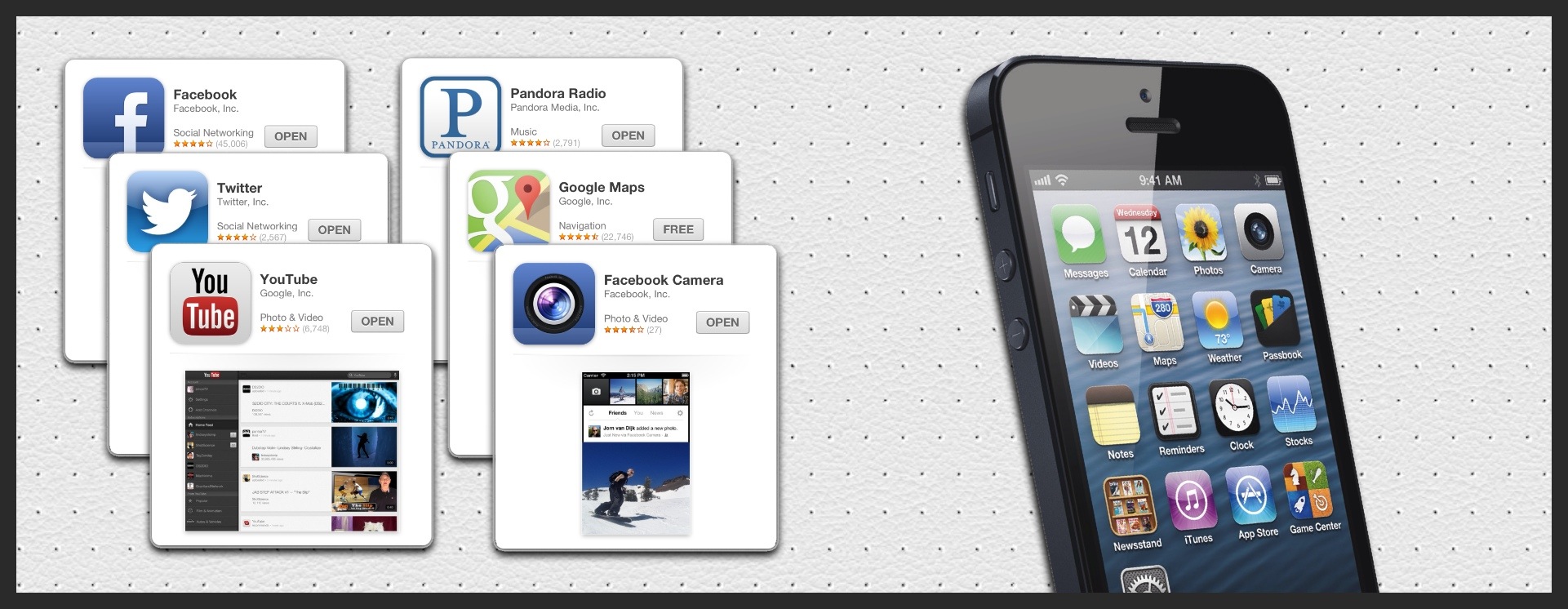
So you just got your first iPhone. Now what? Well, one thing that makes the iPhone great is the great ecosystem of apps available to download instantly. One of the first things you should do with your new iPhone is download some of the best free apps that are out on the App Store right now.

Read More →

Share this:

  • Tweet
  • Click to email a link to a friend (Opens in new window) Email
Like Loading...

How To: Track Hurricanes with Your iPhone

October 29, 2012 · by Tom

The largest storm of our generation is barreling towards the East Coast. Learn how to track every move of Hurricane Sandy right on your iPhone no matter where you are!

Read More →

Share this:

  • Tweet
  • Click to email a link to a friend (Opens in new window) Email
Like Loading...

How To: Open Apps With Siri

October 17, 2012 · by Tom

20121017-211510.jpg

Apps can sometimes be hard to find. You have to go paging through your pages and checking folders just to find that one app you need. Wouldn’t it be nice if you could open apps just by saying the name of the app? Well, you can! Read More →

Share this:

  • Tweet
  • Click to email a link to a friend (Opens in new window) Email
Like Loading...

How To: Watch Live Sports on Your iPhone

June 17, 2012 · by Tom

This feature is a glimpse of what the future will be like. No more big cable subscriptions just to get the few channels you actually watch. You can watch practically anything you want, when you want, on the internet. Sports are no exception.

ESPN has an iPhone app that allows customers of qualified cable providers to watch their ESPN network of channels all right from their iPhones! But yes, there’s a catch. If you read carefully, you would have noticed I said “customers of qualified cable subscribers.” We figure there is some contractual agreement between ESPN and the cable providers that inhibit ESPN from offering this for free. Here’s to hoping someday it all changes for the better!

Read More →

Share this:

  • Tweet
  • Click to email a link to a friend (Opens in new window) Email
Like Loading...

How To: Create and Send Awesome Cards to Anybody in the World

May 29, 2012 · by Tom

This one is just fun. Apple has an app called “Cards” that lets you create stunningly detailed cards to send to family and friends, sent in clean vintage-looking envelopes. And the best part is, you can do it all right from your iPhone… postage included! Your recipient will love it!

Read More →

Share this:

  • Tweet
  • Click to email a link to a friend (Opens in new window) Email
Like Loading...
Page 1 of 2 1 2 Next »
  • Recent Posts

    • How To: Turn on Auto-Update for Apps
    • Quick Tip: Turning Rotation Lock (Orientation Lock) On and Off
    • How To: Speed Dial using Workflow on Your iPhone
    • How To: Change the Wallpaper on Your iPhone’s Home Screen and/or Lock Screen
    • How To: Quickly Free Up Space on Your iPhone
  • Like us on Facebook!

    Like us on Facebook!
  • Blog at WordPress.com.
  • Connect with us:
  • Twitter
  • Facebook
  • YouTube
  • RSS
Privacy & Cookies: This site uses cookies. By continuing to use this website, you agree to their use.
To find out more, including how to control cookies, see here: Cookie Policy
  • Subscribe Subscribed
    • SimpleiPhone
    • Already have a WordPress.com account? Log in now.
    • SimpleiPhone
    • Subscribe Subscribed
    • Sign up
    • Log in
    • Report this content
    • View site in Reader
    • Manage subscriptions
    • Collapse this bar
 

Loading Comments...
 

    %d