
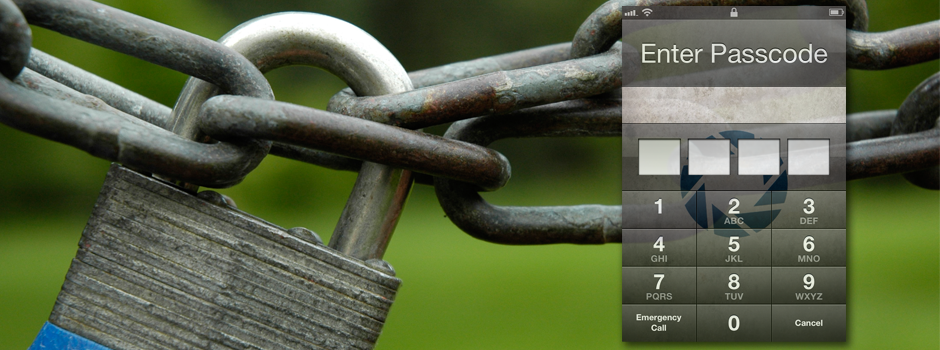
Most people have a lot of personal information–like texts, contacts, pictures, and emails—on their iPhones. But what happens if someone gets ahold of your iPhone? They will have access to all of your personal/private information.
However, there is a simple way to protect all of your private information—set a passcode for your iPhone.
This tutorial will explain (1) how to set a passcode to protect your iPhone, and (2) how to adjust the passcode protection settings to fit your needs.

 SimpleiPhone