
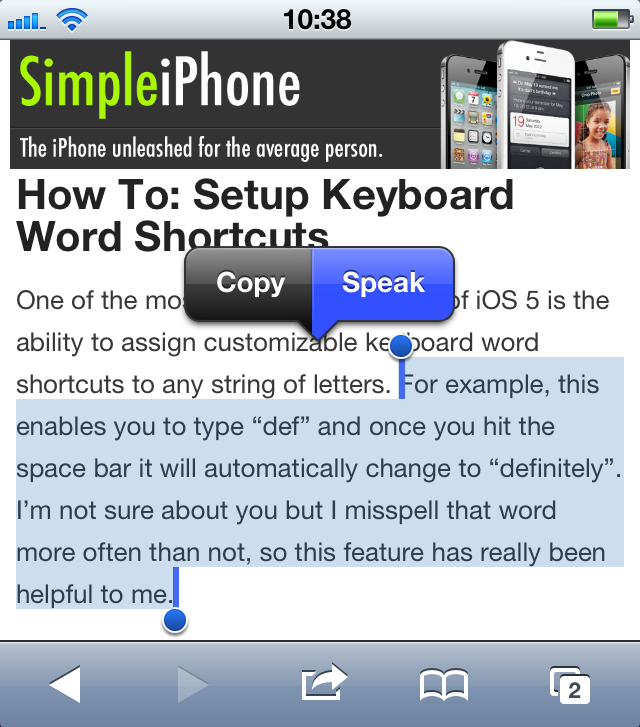
Have you ever been driving or doing some other activity when you received a long email. You probably wanted to know right away what the email said, but you didn’t want to (or couldn’t) take the time to read it. Speak Selection to the rescue!
With Speak Selection enabled, you can have your iPhone read to you any text that you highlight. This can come in handy when, for instance, you are driving and receive a long email that you want to read.
This tutorial will teach you how to enable and disable Speak Selection, as well as how to adjust the Speak Selection speaking rate.

 SimpleiPhone