
Viewing photos on your iPhone is one of the best ways to utilize that stunning retina display. If you are viewing an image on your iPhone, there’s a way to save it. Read More →

Viewing photos on your iPhone is one of the best ways to utilize that stunning retina display. If you are viewing an image on your iPhone, there’s a way to save it. Read More →

 The new iOS operating system (iOS 6) brought with it a slew of new features. One feature that really stands out is the ability to take panoramic pictures with the Camera app. This feature makes it easy to quickly capture a whole scene in one seamless picture. There is an important limitation to note from the outset: only certain iPhones will be able to take advantage of this feature. Only the following iPhones will be able to use the panorama feature: iPhone 4S, iPhone 5, and whatever newer iPhone Apple comes out with after this article is published. This tutorial will teach you how to use the panoramic feature on your iPhone to take amazing wide, panoramic photos! Let’s get started.

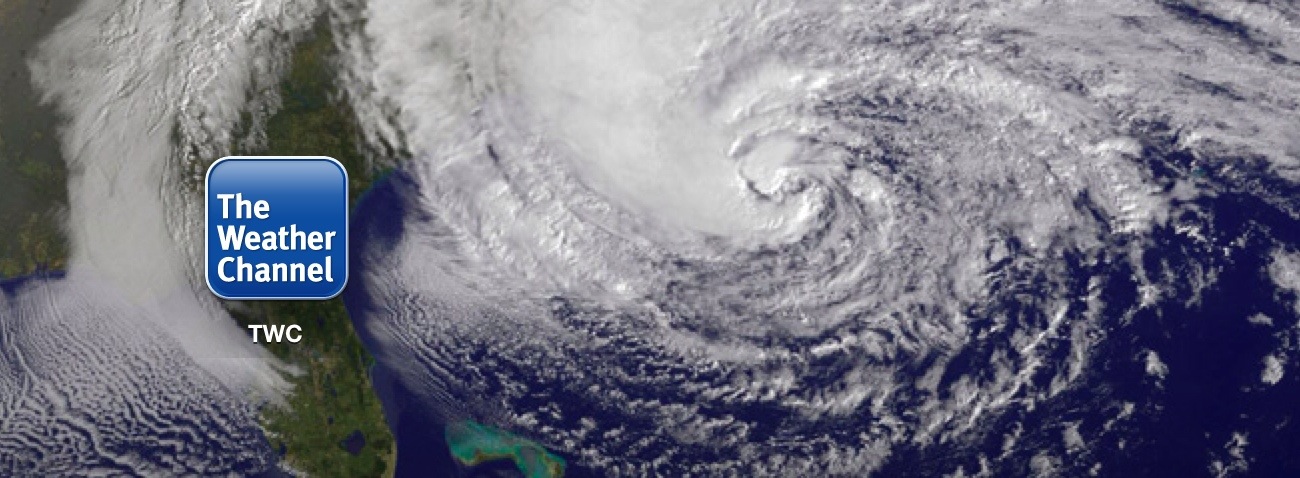
The largest storm of our generation is barreling towards the East Coast. Learn how to track every move of Hurricane Sandy right on your iPhone no matter where you are!

Apps can sometimes be hard to find. You have to go paging through your pages and checking folders just to find that one app you need. Wouldn’t it be nice if you could open apps just by saying the name of the app? Well, you can! Read More →


For many people, cellphones have replaced the alarm clock. Just about every mobile phone offers some sort of alarm clock feature, and the iPhone is no exception.
Here’s how you can set an alarm (or several alarms) on your iPhone.

This feature is a glimpse of what the future will be like. No more big cable subscriptions just to get the few channels you actually watch. You can watch practically anything you want, when you want, on the internet. Sports are no exception.
 ESPN has an iPhone app that allows customers of qualified cable providers to watch their ESPN network of channels all right from their iPhones! But yes, there’s a catch. If you read carefully, you would have noticed I said “customers of qualified cable subscribers.” We figure there is some contractual agreement between ESPN and the cable providers that inhibit ESPN from offering this for free. Here’s to hoping someday it all changes for the better!

 This one is just fun. Apple has an app called “Cards” that lets you create stunningly detailed cards to send to family and friends, sent in clean vintage-looking envelopes. And the best part is, you can do it all right from your iPhone… postage included! Your recipient will love it!

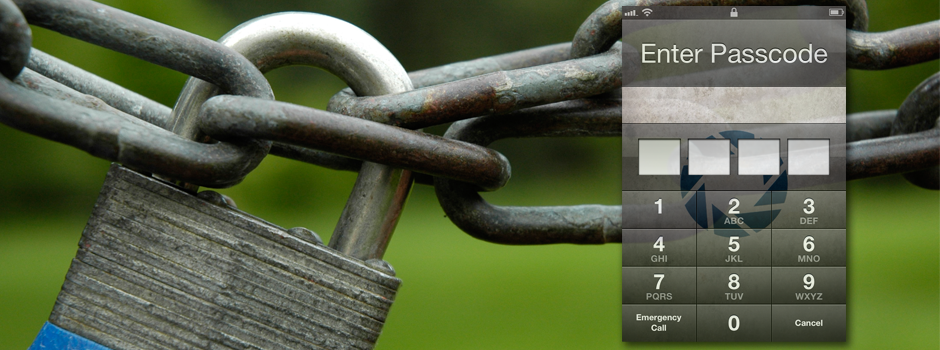
Most people have a lot of personal information–like texts, contacts, pictures, and emails—on their iPhones. But what happens if someone gets ahold of your iPhone? They will have access to all of your personal/private information.
However, there is a simple way to protect all of your private information—set a passcode for your iPhone.
This tutorial will explain (1) how to set a passcode to protect your iPhone, and (2) how to adjust the passcode protection settings to fit your needs.


Are you one of the select few iPhone users who nabbed the unlimited data plans before they became extinct? If not, you’re probably stuck with a plan that only allots a certain amount of data for you to use each month. This can make people nervous sometimes because they fear going over their limit and thus getting charged for more.
But fear not! There is a way for you to quickly check your data usage so you can be confident you are well within the confines of your data plan, and likewise you will be able to sleep better at night (maybe!). Read on!


 SimpleiPhone