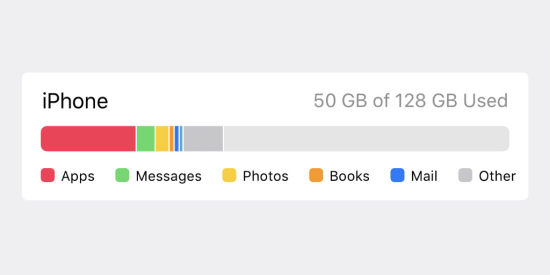
Over time, no matter the capacity of your iPhone, you will eventually need to free up space, and sometimes you’ll need to do so quickly. I’ll go over the best 3 ways to do so quickly and effectively.

Over time, no matter the capacity of your iPhone, you will eventually need to free up space, and sometimes you’ll need to do so quickly. I’ll go over the best 3 ways to do so quickly and effectively.


You’ve seen the commercials for other smartphones where they bump phones to share files, right? Well, Apple’s version of this doesn’t require you to “bump” anything. It’s called AirDrop and I’ll show you how to use it.
Sharing files with someone is always possible with email, but AirDrop makes it even easier with email out of the picture. If you’re next to the person (or people) you want to share with, you can utilize AirDrop to securely share your document or photo.


So you took some good photos of that trip to Niagara Falls. Now what? How about stitching some of them together to make a nice presentable masterpiece of the highlights? There are a few apps that can do this but the most popular is Pic Stitch.
With Pic Stitch, you can quickly combine your photos into one image. There are many options to spice it up and different patterns to choose from. In the end, you can easily upload the photo to your social networks or even order prints from Walgreens!


I don’t know about you but I take a LOT of pictures with my iPhone. They say the best camera is the one you have with you, and that is definitely the case for me. One thing I loved about the iPhone is the ability to take high quality photos coupled with the ease of editing right on the device with the plethora of photography apps found on the App Store.
Before, all your photos were basically tossed together into one huge photo album on your device unless you went through the pains of organizing them on your computer first. But if you’re like me, you never did. But this has changed!
Now you can create and manage photo albums all on your iPhone. I’ll show you how!

 SimpleiPhone